-
 Continue reading →: Copilot Agents in SharePoint
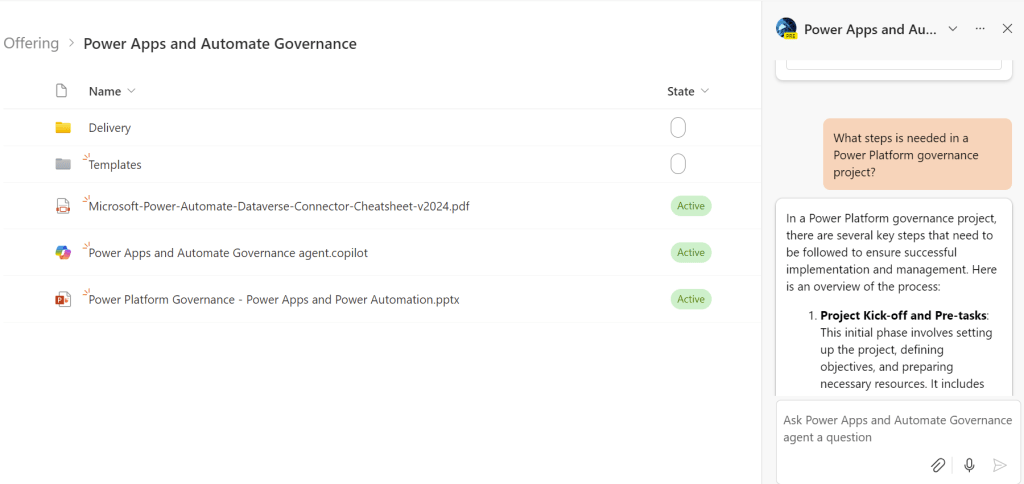
Copilot Agents in SharePoint landed with Sulava’s production tenants today. These agents are services that you can use to create small conversational bot services based on given data. In the case of these SharePoint agents, the data is selected documents in the given SharePoint document library. Creating an agent is…
-
 Continue reading →: Extending Microsoft 365 Copilot: Plugin Options & Future Possibilities
Would you like Microsoft 365 (M365) Copilot to provide more features and information for your organization’s needs? Can we make the M365 rule for all business needs and use cases? This year I’ve been working as an Extension and Application Lead in Sulva’s CAS (Copilot Adoption Service) team. Basically, I’ve…
-
Continue reading →: Cascading Fields in Power Apps Forms – Basics and Few Tips
As far as I remember, customizing SharePoint forms and cascading fields have been one of the main areas that organizations have asked. I have done these customizations for classic and modern SharePoint with InfoPath, custom solutions, and other form solutions. Now we can use Power Apps in many cases, and…
-
 Continue reading →: Creating a Feedback Form Part 2 – Connecting the Flow
In my last post, I started to create a Feedback form that is using the new possibility to us PowerApps for SharePoint Online list form customization. The first part shows how to create a separated forms for View, Edit, and New action. You should check that out first because we…
-
 Continue reading →: PowerApp Custom Forms and Flow – Creating a Feedback Form Part 1
Last month Microsoft announced a long waited functionality where you can use PowerApps to customize the modern list forms in Office 365. Customizing the OOTB SharePoint list forms is something we have done for years already, and everyone has done customizations in multiple different ways. But when the new modern…
Hello,
I’m Mikko

I am a Principal Consultant for Copilot and Power Platform at Sulava. My primary work involves Copilot Studio, Copilot Agents, Power Platform, SharePoint, and Office 365 solutions. I usually act as a system and solution architect or lead consultant in my projects and participate in customer offer processes.


 Mikko Koskinen